
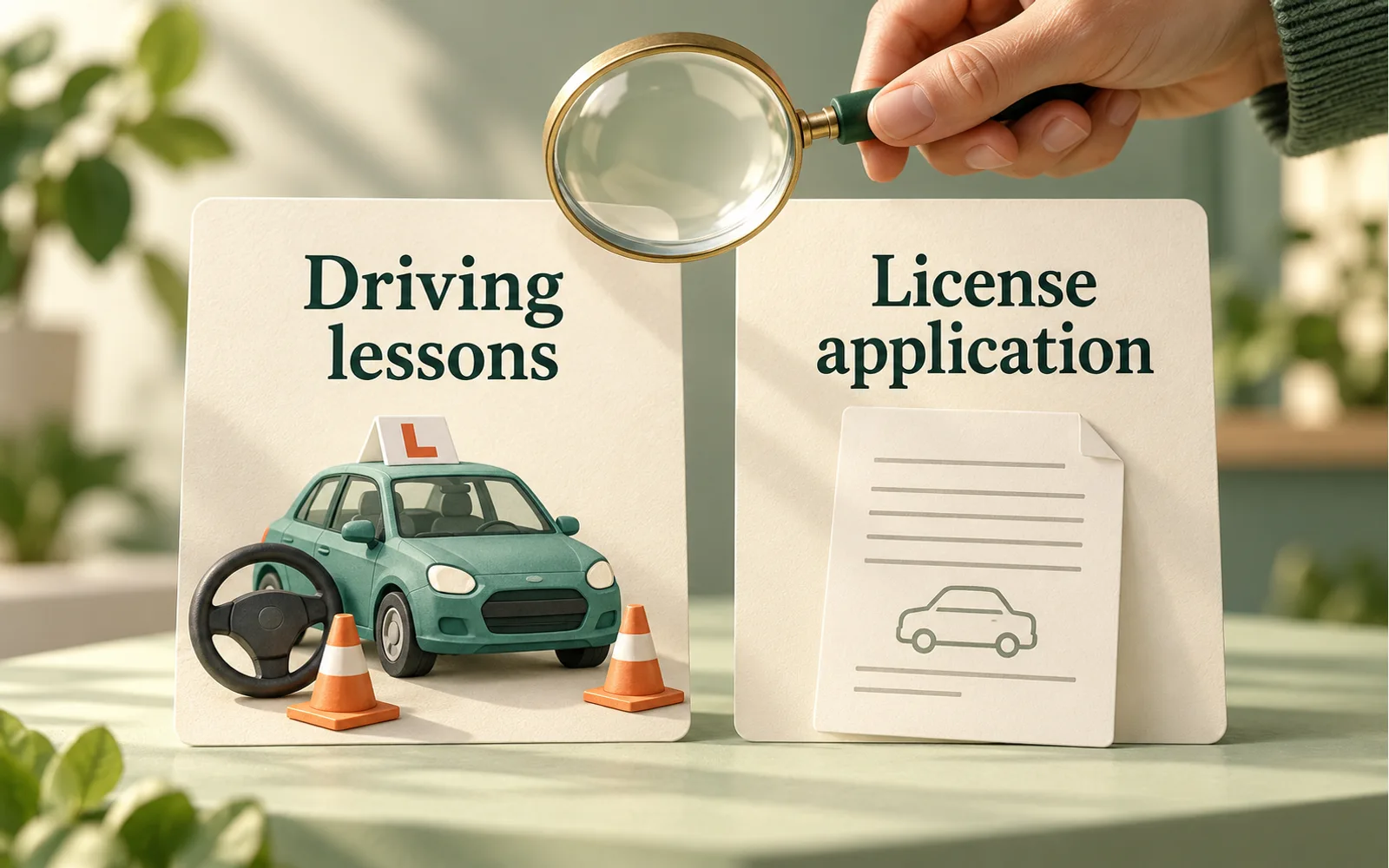
Review the service, not just the business name
An ad for a driving lesson and an ad for help applying for a driver’s license describe different services. Start by identifying what the visitor can actually request from the advertised page. Calling the business a driving school does not settle the policy treatment of every service on its website.
Google’s Government documents and services policy lists license applications, renewals and updates within its driver-license category. It separately lists driving schools, lessons and training providers among that category’s business exclusions. The policy says excluded businesses still need to apply for exclusion. A listed exclusion is not an automatic approval for every ad.
Make the two offers easy to distinguish
Consider a synthetic example: a training business has one page for booking lessons and another offering help with a license application. A visitor arriving on the lesson page wants instruction; someone on the application page is asking about a document-related service. Review those journeys separately, including the enquiry buttons and the work promised after the enquiry.
Create a short service record for each page: the activity advertised, what the customer receives, the destination URL, the target region and the person responsible for confirming the description. This is our proposed preparation worksheet, not an official Google form. Use the business’s actual service terms and leave unresolved points visible.
Treat an exclusion as a route to check
The current policy provides an application route for relevant business or regional exclusions, as well as a route for ads that have been affected despite not promoting covered government documents or services. The appropriate route depends on the actual case. Do not combine these explanations into a general statement that all education-related pages are outside the policy.
For a mixed-service website, ask the owner which offer each ad promotes and whether the destination also invites a customer to request a different service. Record the question that needs an official answer before submitting. Keep any existing account decision with the specific account, service and scope it addresses; do not treat an old decision as proof for a newly added offer.
If the actual service depends on government authorization, review the separate government authorization evidence checklist. A clearer page description cannot create permission that the business does not have.
Describe your role accurately
Google’s misrepresentation policy prohibits misleading statements about identity, affiliations or qualifications. A private provider should explain the work it actually performs without suggesting that it issues a government document or controls the issuing authority’s decision.
In the example review, ask a person unfamiliar with the business to explain the difference between booking training and requesting application assistance. Check the heading, service description, call to action and confirmation message together. If they describe different deliverables, have the accountable owner resolve the inconsistency.
Where a private charge is involved, make its purpose clear. Our guide to private service fees and government fees explains a separate payment-disclosure review. Neither that review nor this service comparison establishes ad eligibility.
Keep advertiser verification in its own record
Advertiser verification and a government-documents policy application are different parts of the review. Google’s verification guidance says required tasks vary with the account and that requests arrive through the account or email. Check the actual tasks and status rather than inferring completion from a business-category label.
Keep a concise internal record of the notice, the relevant public policy reference, the service page reviewed, unanswered questions and the responsible owner. A person should confirm the facts and authorize any official submission. AI may help compare the public descriptions, but it should not select an eligibility route or invent evidence.
Start with one advertised service
For a bounded GovDocs readiness discussion, bring the public destination, the target region and a description of the account notice with confidential details removed. Start with one offer so the review has clear deliverables and acceptance criteria. Do not send passwords, identity documents or verification codes in an initial enquiry.
GovDocs AdReady provides independent readiness and application-support services within an agreed scope. The business remains responsible for its service facts and authority to operate. Google decides policy applications and advertising outcomes. Government authorities decide document issuance. This article is general preparation guidance, not legal advice, certification or a promise of approval.
Official sources
Checked 31 October 2026. Read the current policy and the notice in your account for the applicable service and region.